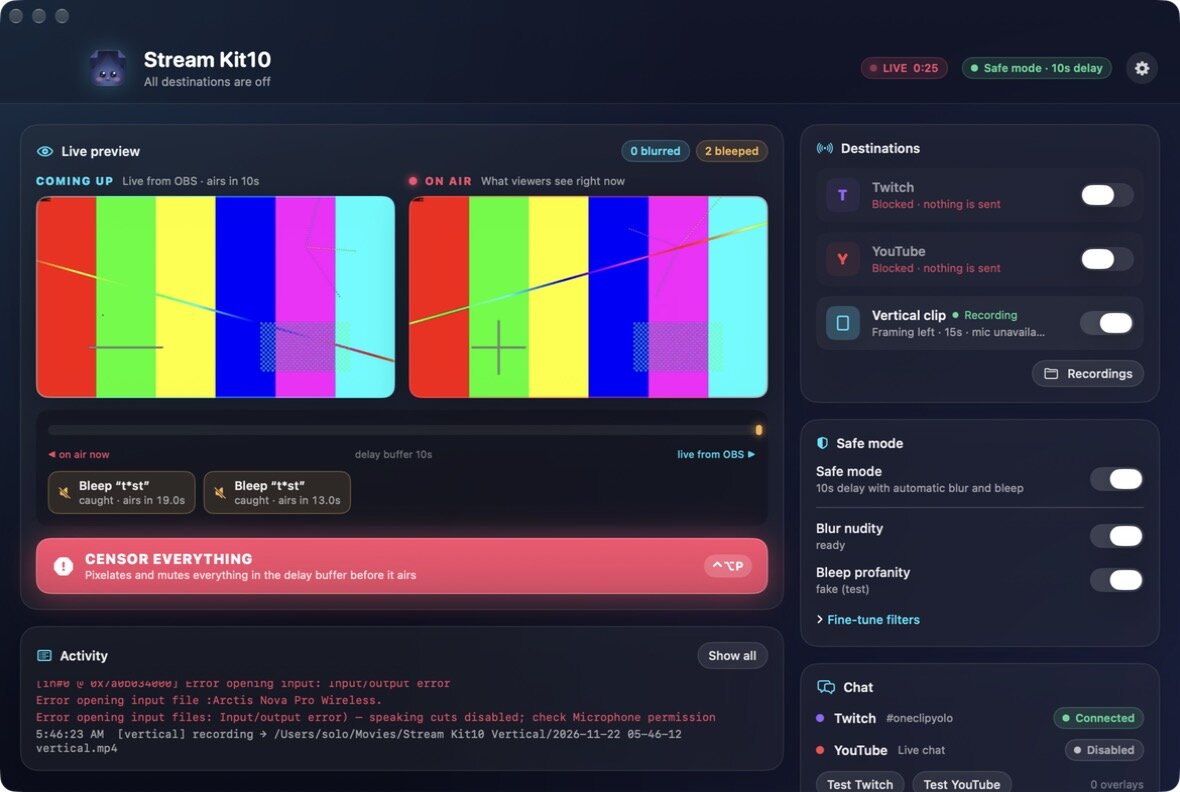
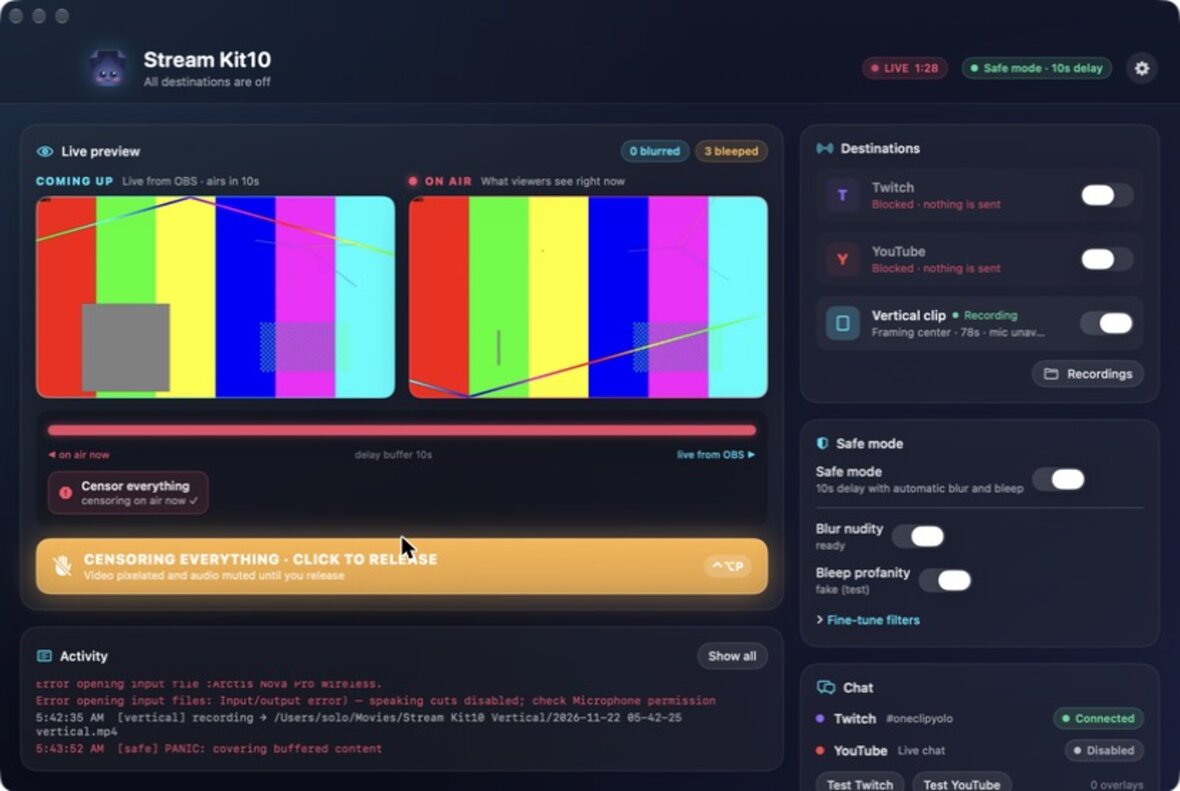
Stream Kit10 takes your one OBS stream and sends it to every platform at once. It combines both chats into one overlay and keeps content you don't want on stream off the air, all without a restream service.
For Apple silicon Macs · macOS 14 Sonoma or later · works with OBS Studio
Point OBS at Stream Kit10 once. It runs quietly on your Mac and sends a copy to each platform, each in its own connection, so if one drops the others keep going.
Safe mode adds a short delay, then automatically pixelates nudity and bleeps swearing before your stream goes out. Leave it on for family-friendly streams, or switch it off for 18+ streams.
Detection runs privately on your Mac. Filters are a safety net, not a guarantee: stay ready on the panic button for content you can't afford to air.
The Stream Kit10 beta is free and runs through Apple's TestFlight app, so updates arrive automatically. It takes about two minutes to set up.
Install Apple's free TestFlight app from the Mac App Store.
Open in App StoreOpen the invite link above on your Mac and choose Accept in TestFlight.
Click Install. The first time you turn on safe mode, it downloads its speech model, about 1.6 GB, once.
In OBS: Settings › Stream › Custom, server:
rtmp://127.0.0.1:1935/live